
 Track Kidstaff sales: children’s items and orders
Similar raincoats. Different little stories.
Kidstaff conversations include sizes, measurements and condition. Give each item its own Kram record so you can check which raincoat was chosen before packing it.
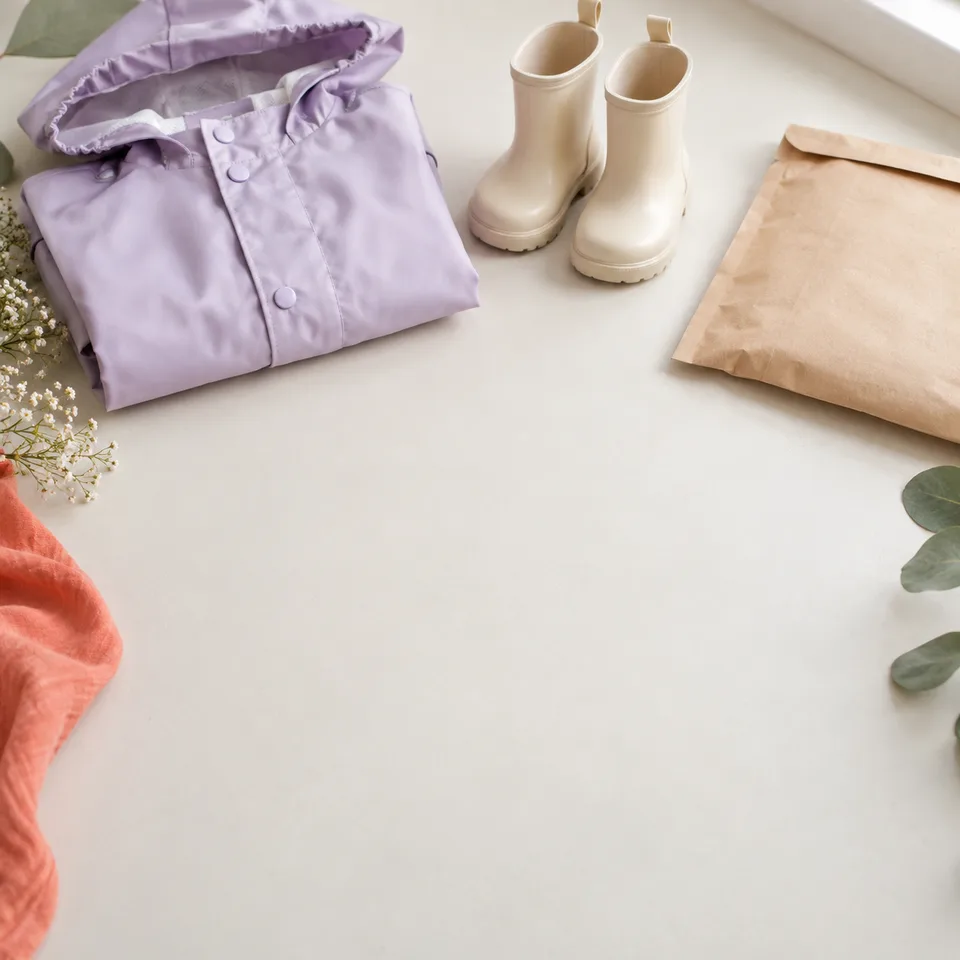
They need size 104. Size 110 is on the same shelf.
Two similar raincoats. Two separate records.
Keep track of which Kidstaff item the buyer chose. A size in the name and condition notes help you check it before packing.
Raincoat · 104
Chosen by buyer · 1 item
$45.00Raincoat · 110
Still available · 1 item
$50.00Sizes here are part of the name. These are separate products, not an automatic variant grid.
When everything is at hand
How do you keep sizes and parcels straight?
Three children’s items in one parcel.Size in the item name
Name the item “Raincoat · 104” and put its condition and measurements in Notes. Use separate products for different sizes; Kram has no automatic size variants.
Check the item before sealing the parcel
The size, condition and agreed details should describe the chosen item. If boots are added, enter a second line item instead of increasing the raincoat quantity.
Reserve items you already have
A new sale reserves stock. Preorders and group purchases need a different process: Kram does not manage purchase batches or expected deliveries.
Questions and answers
Tracking details: Kidstaff
Does Kram manage Kidstaff group purchases?
This scenario covers items already in stock. Collecting size runs, purchase batches and supplier deliveries are not automated.
What if one item is returned?
Record the returned quantity on that order line. The other items remain sold. Refund the buyer separately.
Scope of this example
Kidstaff: record sales manually under Other and put the service name in Notes. Marketplace data is not imported automatically; these sales are grouped under Other in reports.
Compare plans →